

Choosing the best smart locks for your home in 2026 is no longer just about going keyless. The right lock depends on your door, whether you rent or own, which smart-home system you use, and how family and visitors actually come and go. This guide does not pretend one model wins for everyone. Instead, it explains the types, connections and features that matter, with general price ranges by tier, so you can build a shortlist with confidence.
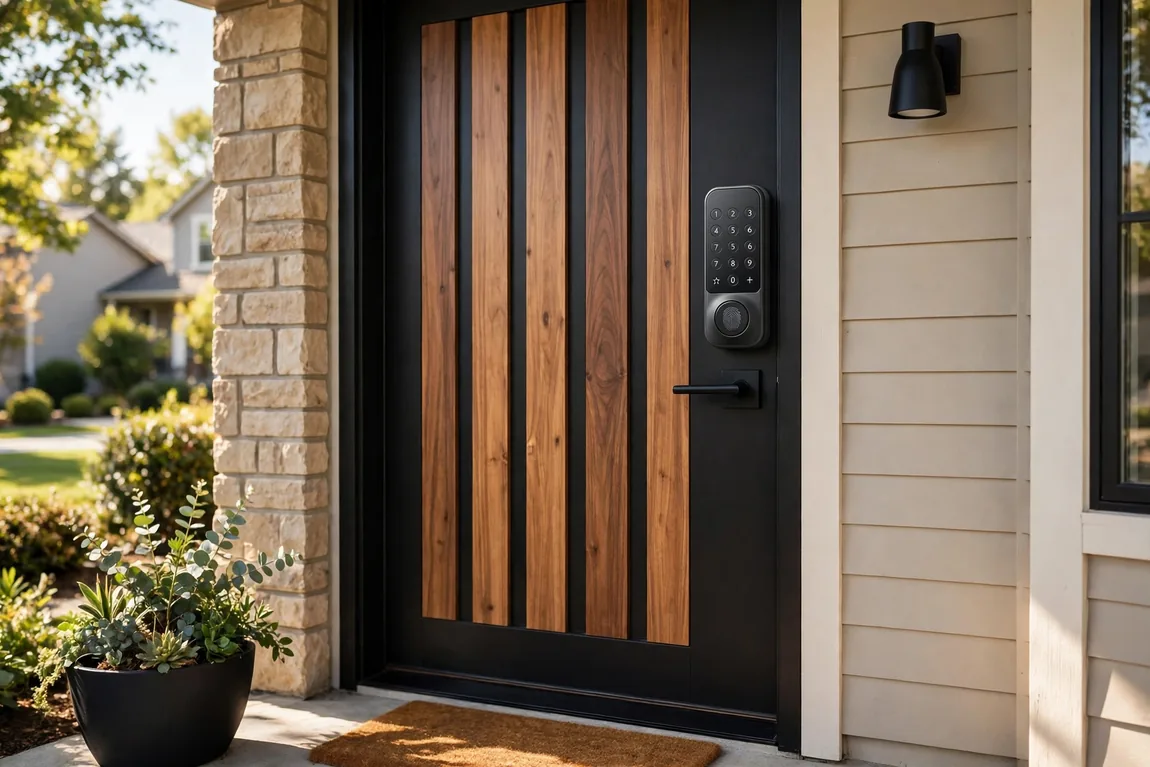
A modern keypad deadbolt with fingerprint access — the most common form the best smart locks take in 2026. (Illustrative image)
What to look for in the best smart locks
Start with fit, not features. Measure door thickness and backset, and check that your existing deadbolt turns smoothly. A misaligned door makes a motorised lock strain, jam and eat batteries. If the door itself is on your upgrade list, read our guide to choosing the perfect front door first, and fix alignment before fitting any smart lock.
Next, decide how people will get in. Most households need at least two phone-free methods — usually a keypad code and a physical key backup. Fingerprint access is faster for family, while codes are easier for guests because they can be created, time-limited and deleted. Finally, pick the connection that matches your home, rather than paying for Wi-Fi in a lock far from your router.
Smart lock types compared
Smart locks fall into three main types, plus simpler keypad-only models. This comparison table is the fastest way to narrow your choice.
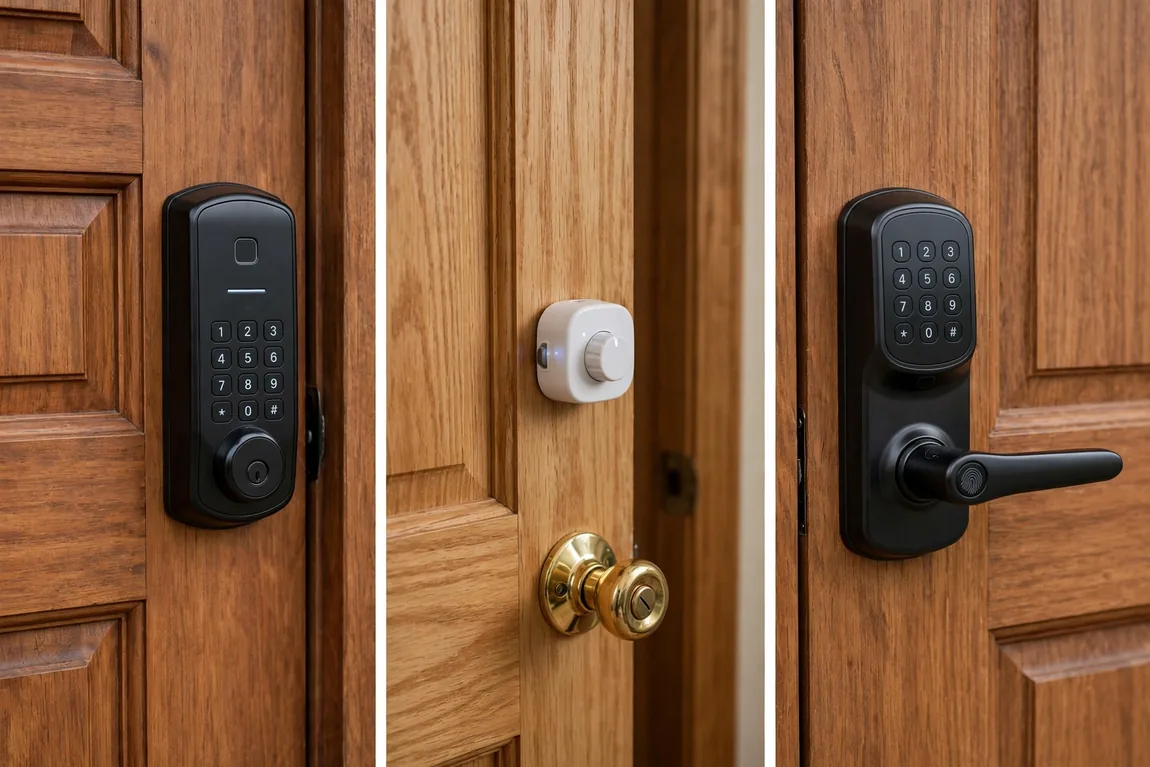
Deadbolt replacement, retrofit and lever sets solve different problems — renters usually need the retrofit type. (Illustrative image)
| Type | Best for | How it installs | Typical entry methods | General price range |
|---|---|---|---|---|
| Full deadbolt replacement | Homeowners wanting a complete upgrade | Replaces the whole deadbolt, inside and out | Keypad, fingerprint, app, key | Generally $150–$330 |
| Retrofit | Renters and anyone keeping their existing exterior lock and keys | Motor unit fits over the inside thumb-turn only | App, auto-unlock, existing key; keypad often an add-on | Generally $120–$230 |
| Lever / handle set | Doors without a separate deadbolt, home offices and side doors | Replaces the handle and latch together | Fingerprint, keypad, app, key | Generally $150–$350 |
| Keypad deadbolt (non-connected or Bluetooth-only) | Simple code access without remote control | Replaces the deadbolt, no hub or Wi-Fi setup | Keypad, key, sometimes app nearby via Bluetooth | Generally $80–$170 |
Widely sold examples include the Schlage Encode Plus and Yale Assure Lock 2 as full deadbolt replacements, the August Wi-Fi Smart Lock as a retrofit, and the ULTRALOQ U-Bolt Pro range as a fingerprint-focused deadbolt. Versions change often, so check the current specification, protocol and price before you buy.
Connectivity: Wi-Fi, Thread and Matter, Z-Wave, Zigbee and Bluetooth
Wi-Fi
Built-in Wi-Fi is the simplest route to remote locking, codes and alerts, with no hub. The trade-off is battery life: Wi-Fi is power-hungry, and reviewers generally report shorter intervals between battery changes than on hub-based models, especially far from the router.
Thread and Matter
Matter is the cross-platform standard intended to let a lock work with Apple Home, Google Home, Alexa and SmartThings, and Thread is the low-power mesh radio many Matter locks use. A Thread lock usually needs a compatible border router, which many recent smart speakers already provide. Battery life is generally better than Wi-Fi, and local control can keep working if your internet goes down.
Z-Wave and Zigbee
These established hub protocols remain common with alarm and SmartThings-style systems. They are low-power and reliable in a mesh network, but you need a compatible hub — and confirm the exact module fitted, as some families, including versions of the Yale Assure line, are sold with different radios.
Bluetooth
Bluetooth is present on almost every smart lock for setup and nearby unlocking. Alone it gives no remote access, so Bluetooth-only models suit secondary doors or buyers who deliberately do not want cloud access.
Features that actually matter
Fingerprint and keypad access
Fingerprint readers, such as those on versions of the ULTRALOQ U-Bolt Pro and the Aqara U200, are quick and avoid codes being seen over a shoulder. Keypads remain most flexible for guests. Look for individual, one-time or scheduled codes, and a lockout feature that discourages guessing.
Auto-lock, auto-unlock and remote access
Auto-lock, securing the door after a set time or when a sensor confirms it is closed, is the feature owners value most. Auto-unlock by phone location is convenient but should always be paired with auto-lock. Remote access lets you check status and receive entry alerts — useful alongside security cameras to keep your home safe, so an alert and a camera view tell the same story.
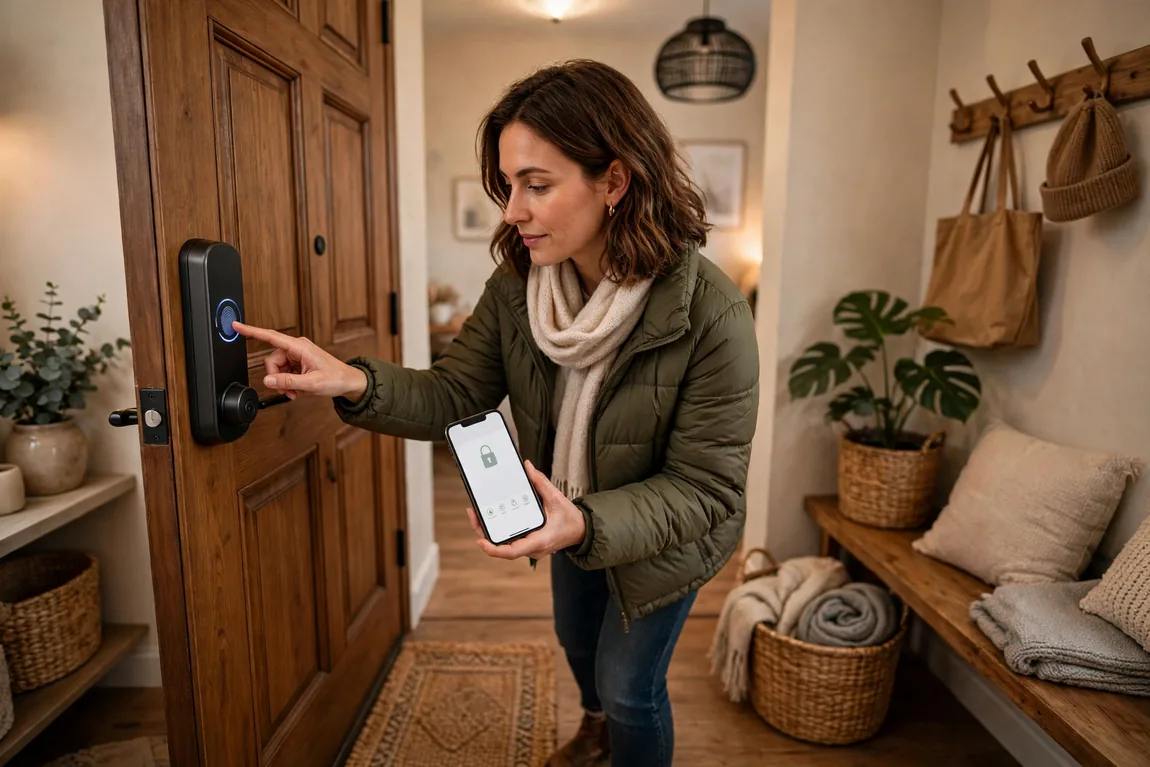
Fingerprint entry for family, time-limited codes for guests, and app alerts when you are away. (Illustrative image)
Battery life and backup entry
Expect roughly three to twelve months from a set of AA batteries, with Wi-Fi models generally at the shorter end and Thread, Z-Wave and Zigbee models longer — treat any figure as an estimate affected by use, temperature and signal. Choose low-battery app warnings, a physical key backup, or emergency USB power where offered. Cold weather shortens battery life, one more reason for the checks in our guide to winterizing your home.
How much should you expect to pay?
As a general guide based on 2026 retailer and buying-guide ranges, budget models generally cost about $80–$150 for codes and basic app control. Mid-range locks, generally $150–$250, add fingerprint access, better build quality and more protocols. Premium locks, generally $250–$350 and above, add Apple Home Key, higher security grades, palm or ultra-wideband hands-free entry on newer models, or a built-in camera. Allow extra for a hub, an add-on retrofit keypad, and batteries.
Installation: a DIY job for most doors
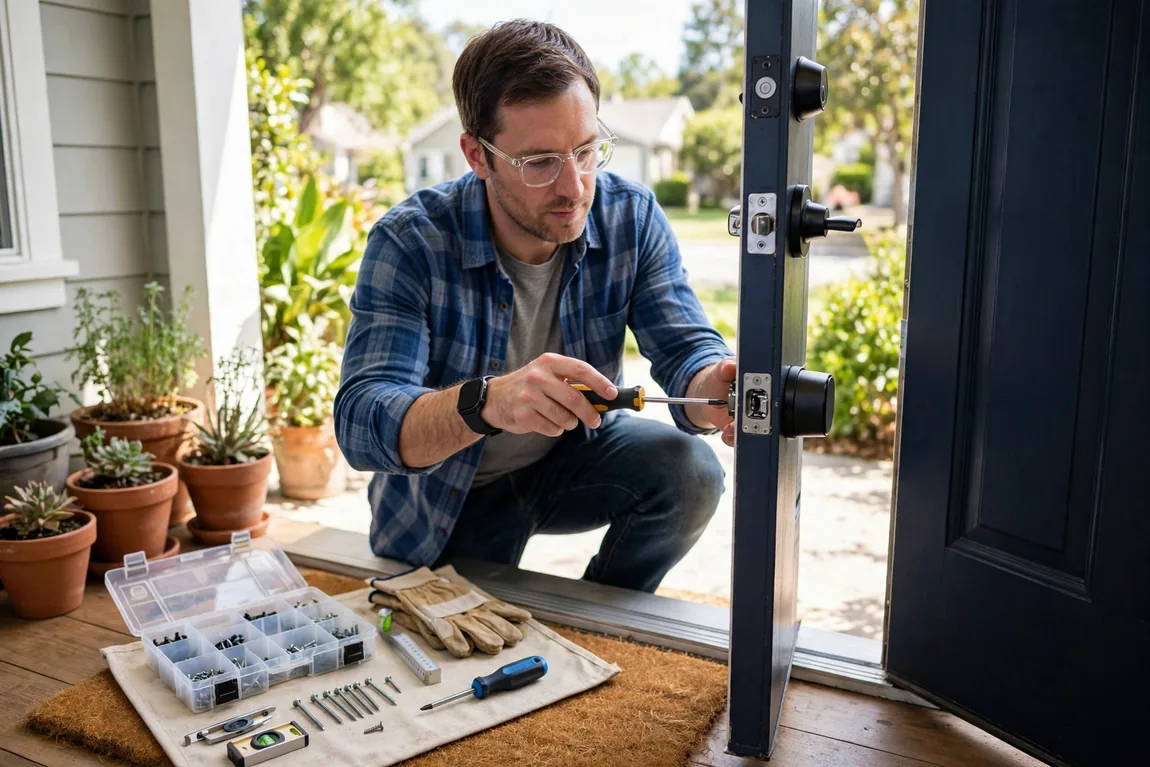
Most smart locks fit with a screwdriver in under an hour, using existing door holes. (Illustrative image)
Most retrofit locks take about 10–20 minutes and a full deadbolt replacement about 20–45 minutes, using the existing holes. You normally need only a Phillips screwdriver and a tape measure; a drill only if a new hole is genuinely required. Remove the old thumb-turn or deadbolt, fit the new bolt and strike, mount the inside unit, connect any cable, insert batteries, then run calibration so the lock learns its locked and unlocked positions. Test with the door open first, then closed, using every entry method — code, fingerprint, app and key. If the bolt does not throw smoothly by hand, fix the alignment instead of letting the motor force it.
Security and privacy notes
Look for an ANSI/BHMA Grade 1 or Grade 2 rating, which reflects tested resistance and durability rather than marketing claims. Digital security matters just as much: use a strong, unique app password, turn on two-factor authentication where offered, keep firmware updated, and give each guest their own code. Review the entry log and delete old codes regularly. Entry logs are sensitive household data, so check what the app stores in the cloud, how long it keeps it, and whether a subscription is required for features you expect as standard.
Frequently asked questions
Do smart locks work if the Wi-Fi or power goes out?
Yes, in most cases. The lock runs on batteries, so keypad, fingerprint and key entry keep working. Remote app control and alerts pause until the connection returns.
What happens if the batteries die?
Most locks warn you repeatedly in the app and at the door first. After that, use the physical key, or the emergency power contacts on some models, then replace the batteries from inside.
Are smart locks safe for renters?
Retrofit locks are usually the renter-friendly choice, because the exterior lock and landlord’s key stay unchanged. Check your lease, and keep the original thumb-turn so you can restore the door when you leave.
Do I need a hub for a smart lock?
Only for Z-Wave, Zigbee and some Thread setups. Built-in Wi-Fi locks connect directly to your router, while Matter over Thread needs a compatible border router, which you may already own.
Can I give a cleaner or dog walker access?
Yes. Create a separate code that works only on the days and times you set, check it in the entry log, and delete it when it is no longer needed.
The best smart lock for your home fits your door, matches your smart-home system and gives everyone a simple, separate way in. Choose the type first, the protocol second and extra features last.